Code Builder
What Is Code Builder?
Buildalgos.com allows traders and developers to write their own trading strategies via python and run them identically across both historical back-tests and live markets. All execution, data feeds, and routing are handled internally. Users focus solely on strategy logic.
How To Access Code Builder?
- Open your browser and go to: https://buildalgos.com/
- Login to your account to access the Dashboard.
- In the Dashboard, find and click on Strategy Builder.
- Inside Strategy Builder, choose Create New Strategy using the No-Code Strategy Framework.
Note: This visual builder helps you create strategies without writing code. Save your strategy once done.
- After saving, click the Code button associated with your strategy.
- Click on
<> Codeto open the Code Builder interface. - Click on Edit Code to start building your custom strategy using the Code Builder interface.
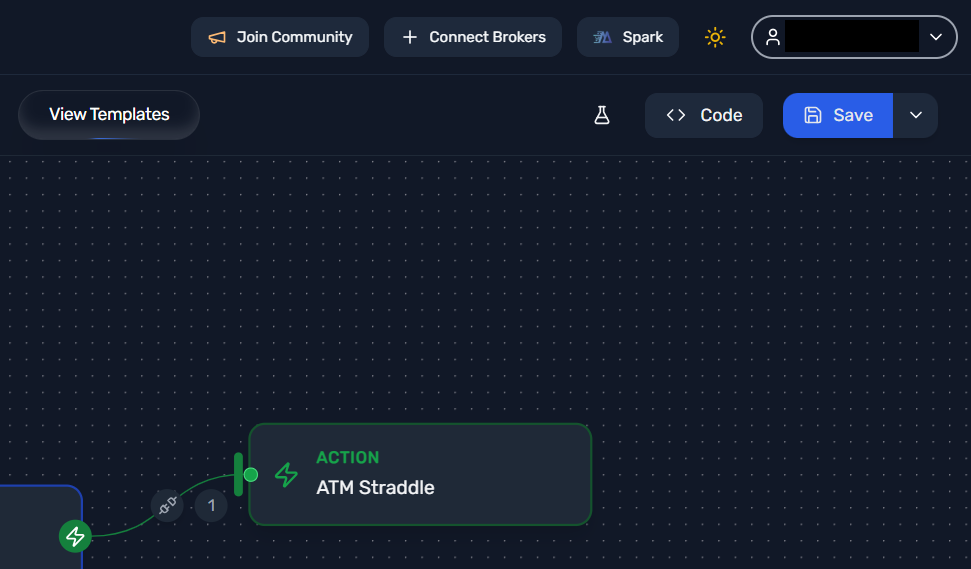
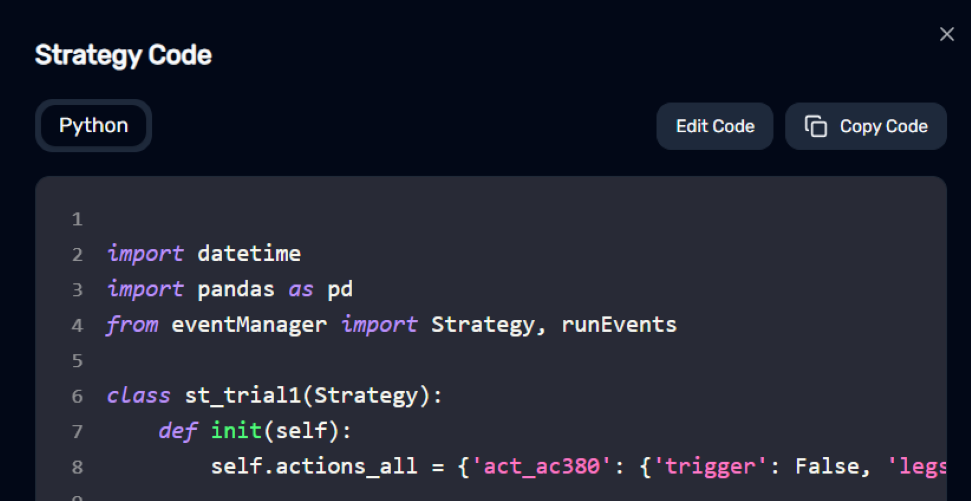
This environment is similar to Visual Studio Code. Here you can improve, modify, and fully control your strategy by coding.
Why Use Code Builder
- No-code strategies provide a base to get started quickly.
- Code Builder lets you customize logic deeply using Python.
- Benefit from a VS Code-like environment.